Highlight

Successful together – our valantic Team.
Meet the people who bring passion and accountability to driving success at valantic.
Get to know usThis website is also available in your language.
About
Highlight
Successful together – our valantic Team.
Meet the people who bring passion and accountability to driving success at valantic.
Get to know usAbout
Highlight
Successful together – our valantic Team.
Meet the people who bring passion and accountability to driving success at valantic.
Get to know usOur mission: Digital excellence for our customers.
With in-depth know-how, clear values, and a vibrant corporate culture, we shape digital transformations that make a real impact.
Careers
Careers
Highlight

Female Digital Impact
Women are increasingly shaping the IT industry – at valantic, we create opportunities together and promote talent so that diversity becomes a strength.
Turn your vision into realityCareers
Highlight
Female Digital Impact
Women are increasingly shaping the IT industry – at valantic, we create opportunities together and promote talent so that diversity becomes a strength.
Turn your vision into realityCareers at valantic – making a difference together.
Are you looking for a professional environment with challenging digital projects for renowned clients? You're in the right place.
We are removing valantic Outlook Planner from our software portfolio at the end of 2023. This is due to the new implementation of Outlook on a new technological basis by Microsoft®. This will lead to incompatibility with the valantic Outlook Planner add-in and prevent its future use.

The planning board for schedule coordination of employees, projects, and tasks
The Outlook Planner is the ideal instrument for electronic resource allocation at small and medium-sized companies. Use it as an expansion of Microsoft Outlook® in connection with Microsoft Exchange®.
Resource scheduling is done in a clear view. Regardless of whether the planning is for personnel, projects or assignments, the Outlook Planner can be configured for your company individually and without programming.
Deployments, dates, and assignments are coordinated easily via drag-and-drop or copy/cut and paste on the electronic board. Several users can access it simultaneously and make entries. The status updates itself in real time. Several dates per day can be entered. In addition, the set-up of control columns is possible; these can visualize freely-definable activities.
Due to the direct data storage in the Exchange® server, the planning is displayed automatically for employees on their Outlook® calendar and on all synchronized mobile devices (iOS, Android, Windows Phone).
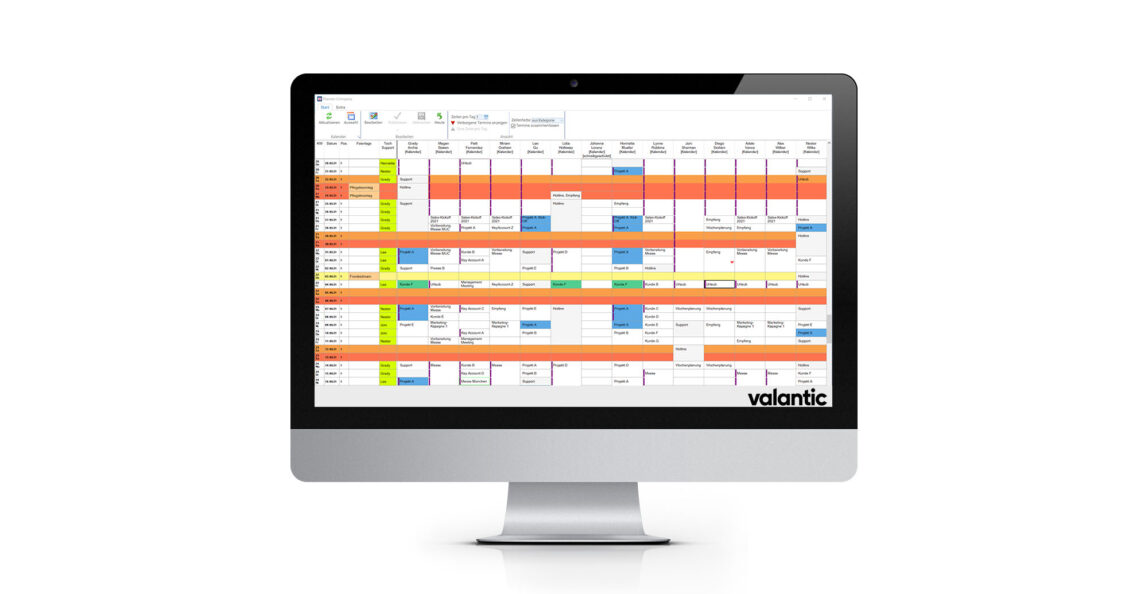
Big survey
Planning board for a department across a period of three weeks with green control column. Absences are displayed on this screen as purple bars. The cell color is determined by the category assigned to it.
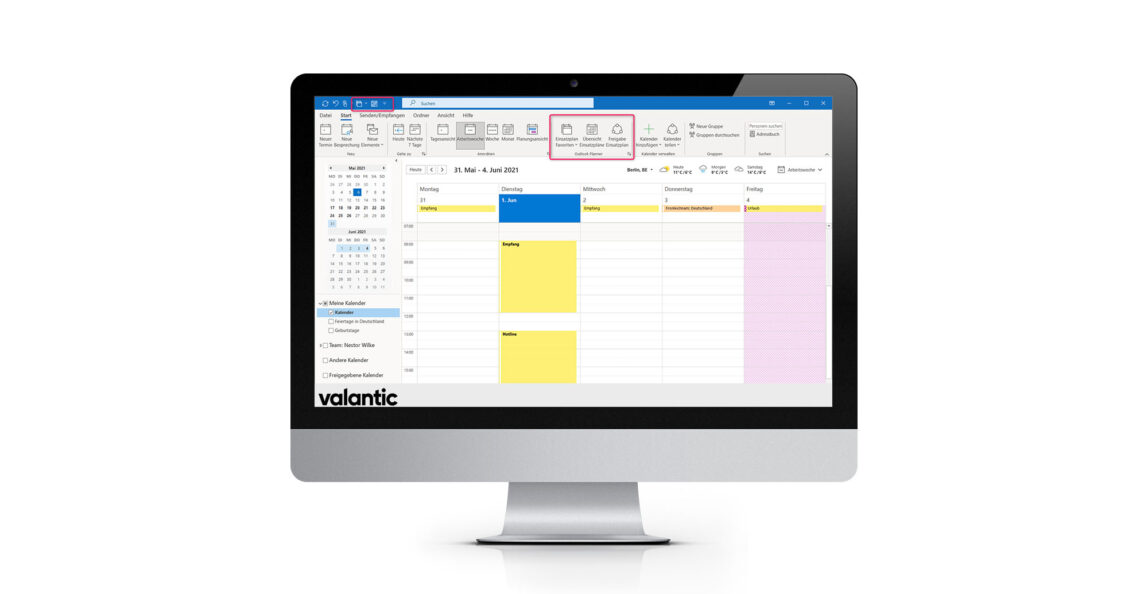
Integration in Microsoft Outlook ®
Outlook calendar of an employee, who plans and is planned with the Outlook Planner. The use of the add-in is started with the three additional buttons on the menu bar. With entries on the planning board, dates – even across days – are automatically generated on the employee’s Outlook calendar.
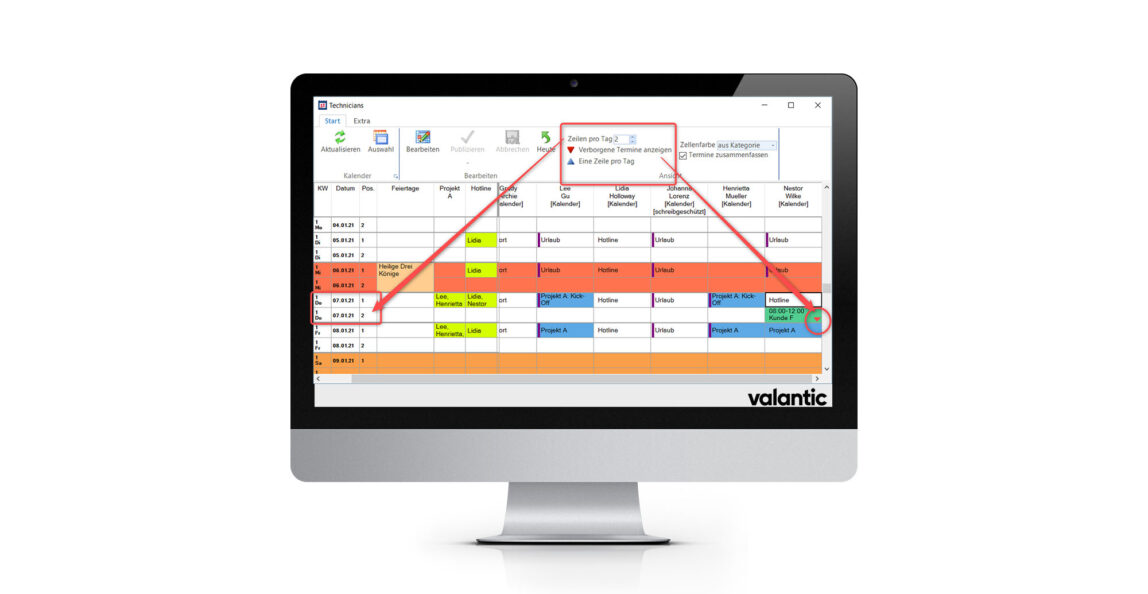
Planning with several appointments per day
If necessary, the number of lines can be increased with the menu bar, so that several dates per day can be entered. If there are more dates than lines, a notice appears. Absences are displayed on this screen as purple bars. Category colors are displayed as small indicator on the right side.